
Passport Status "Not Available": 5 Causes & Next Steps
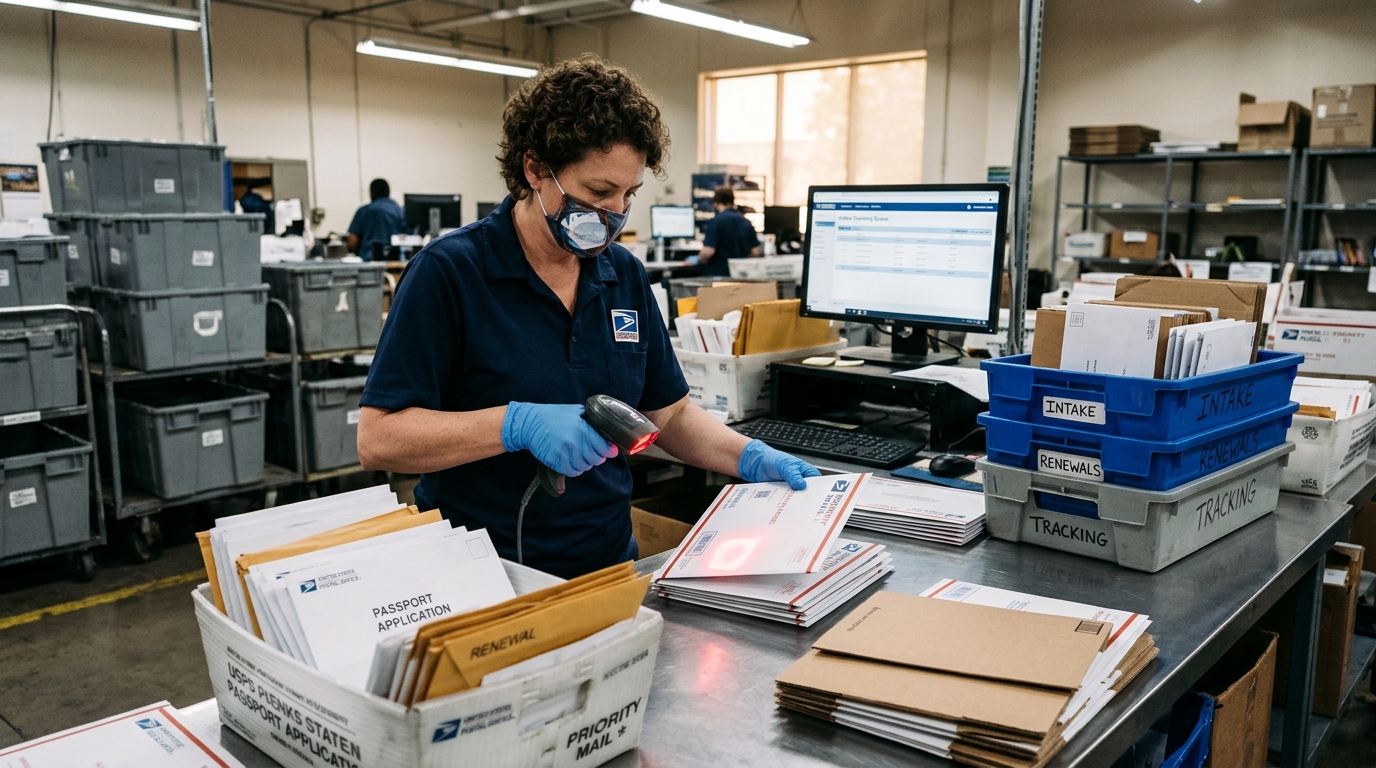
Diagnose why your newly submitted passport application displays "Not Available" and learn how the federal lockbox intake process works.
A status of "Not Available" is standard for the first 7 to 14 business days following your submission. It simply indicates that your package is either in postal transit, queued inside a commercial intake lockbox, or awaiting Treasury fee reconciliation before the digital record is created.
The Top 5 Reasons for "Not Available" Status
Understanding what is happening to your envelope right now across the federal sorting pipeline:
Takes 2 to 5 business days for Priority Mail to reach Philadelphia or Irving intake centers.
Envelopes are delivered to bank-operated lockboxes, not directly to passport adjudicators.
Physical checks must be deposited into the U.S. Treasury before digital case generation.
The public tracking system uploads batch records only once every 24 hours (midnight to 6:00 AM).
A mismatched hyphen, suffix, or birthdate format (MM/DD/YYYY) yields an automatic "Not Available".
What You Should (and Should NOT) Do Right Now
- Check Your Bank Account: Monitor for your check payable to "U.S. Department of State" clearing.
- Track Your USPS Label: Confirm physical envelope delivery to the federal intake lockbox.
- Wait the Full 14 Days: Allow exactly 14 calendar days from the postmark date before escalating.
- Verify Spelling: Double check your legal last name for hyphens and exact date of birth.
- Do NOT Submit a Duplicate Form: Filing again creates conflicting files and stalls your case.
- Do NOT Put a Stop-Payment on Your Check: Bouncing your fee causes an immediate federal freeze.
- Do NOT Call NPIC Before Day 14: Phone agents cannot view files until the batch uploads.
- Do NOT Panic: Over 99% of "Not Available" statuses advance to "In Process" on schedule.
Next Steps in Your Tracking Journey
Status: In Process
Learn what happens after your status updates and decode the 4 internal adjudication stages.
In Process Guide →29 Locator Directory
Decode the first 2 digits of your 9-digit locator number to identify your processing agency.
Explore Locators →Passport Fee Calculator
Calculate your exact statutory payment breakdown and post office execution fees.
Calculate Fees →4. Detailed Intake Lag Analysis: The 14-Day Lockbox Window
The single most common source of traveler anxiety during passport season is the dreaded "Status: Not Available" notification. When American citizens submit their paper applications via USPS certified mail, Priority Mail tracking will often show "Delivered" within two to three days. However, when checking the Department of State's online tracking portal 24 hours later, the system repeatedly returns: "We cannot find your application."
To understand why this occurs, travelers must realize that passport envelopes are not delivered directly to consular adjudicators. Instead, mail is routed to specialized commercial banking facilities operated under federal contract by major financial institutions:
- Physical Postal Intake (Days 1–3): Trays of thousands of Priority envelopes arrive at the regional USPS hub in Philadelphia, PA or Irving, TX.
- Lockbox Sorting & Quarantine (Days 4–7): Envelopes undergo radiological security screening, slicing, document extraction, and fee processing. Physical checks are deposited directly into U.S. Treasury accounts before applications are sorted into regional bins.
- Initial CCD Batch Digitization (Days 8–14): The applicant's last name, date of birth, and Social Security number are keyed into the federal Consular Consolidated Database (CCD). Only after this keying step is finalized does the public online portal sync and display "In Process."
5. Step-by-Step Action Plan When Status Exceeds 14 Days
If more than 14 business days have elapsed since your USPS tracking showed delivery and your status still displays "Not Available," follow this systematic verification checklist:
- Check Your Bank Account for Cashed Check Records: If the check has been cashed, flip to the digitized back of the check image on your online banking app. You will see an engraved 9-digit locator number. This proves your application is in the system even if the website hasn't refreshed.
- Audit Suffixes and Hyphenated Surnames: Do not enter generational suffixes (Jr., Sr., III) in the Last Name field unless specifically prompted. Try querying hyphenated surnames both with and without the hyphen.
- Contact NPIC for System Lookup: Call 1-877-487-2778. Customer service representatives have access to internal CCD queues that may reflect records not yet pushed to the public web portal.
6. Interagency Clearance Protocol & Fraud Verification Delays
In select circumstances, an application may remain in the "Not Available" classification because it has been routed to secondary verification queues prior to public indexing. The Department of State cross-checks all submitted vital records against state health departments and the Electronic Verification of Vital Events (EVVE) database. If automated matching fails due to mismatched county seals or altered certificates, the physical file is hand-delivered to a specialist adjudicator. During this internal review period, public tracking displays "Not Available" to prevent premature alerts.
If you receive an official government correspondence letter requesting supplemental citizenship documentation or secondary photo identification, respond promptly using the certified return envelope provided to expedite your file back into the primary processing queue.